Thermocouple

TC – Thermocouple

Thermocouple - TC

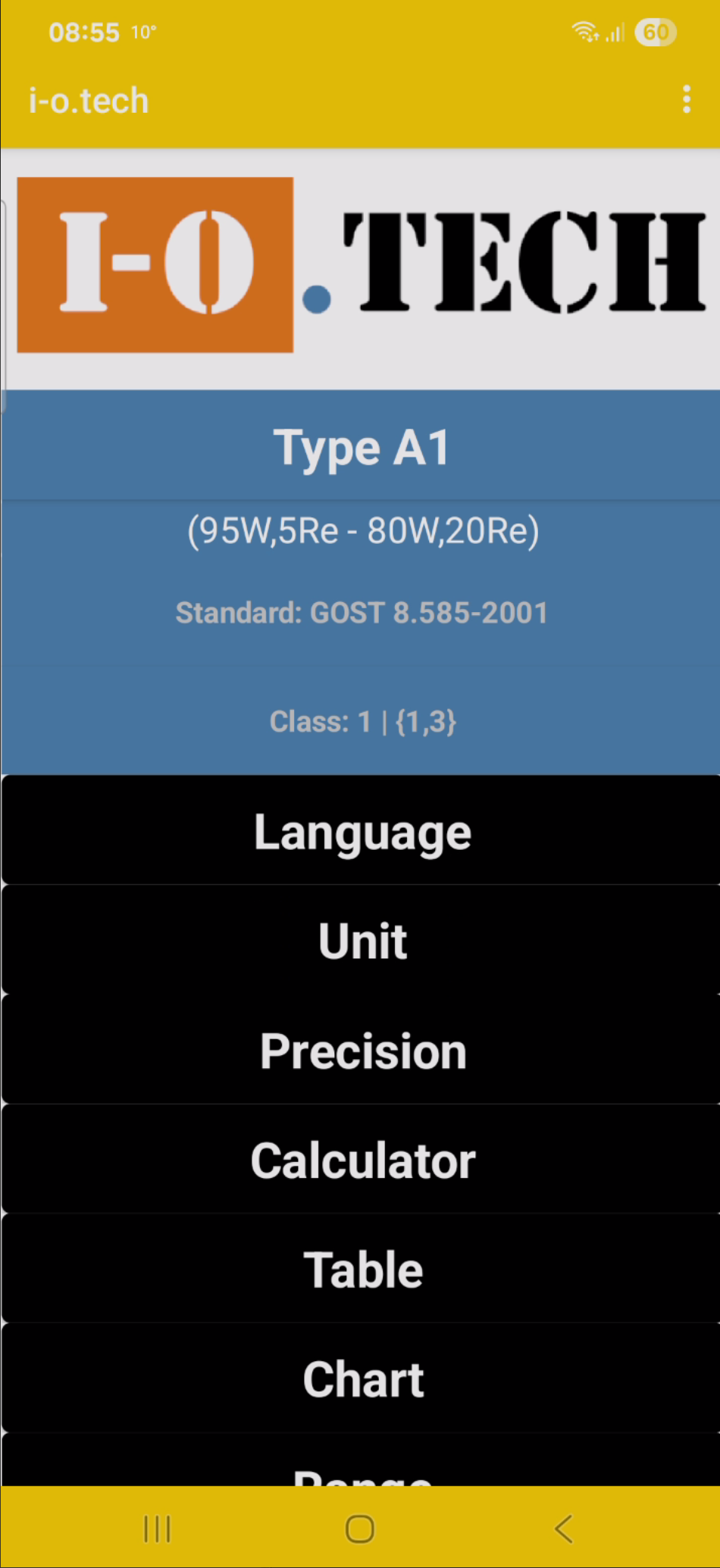
1.1.Hidden Menu

The values ​​in the field above and below the Temperature field are the sensor errors for the selected Class.

1.5.Language

  • en English
  • ca Catalan
  • bn Bengali
  • bg Bulgarian
  • sw Swahili
  • zh Chinese
  • cs Czech
  • de German
  • da Danish
  • et Estonian
  • es Spanish
  • am Amharic
  • eu Basque
  • fi Finnish
  • fr French
  •  el Greek
  • gu Gujarati
  • hu Hungarian
  • id Indonesian
  •  iw Hebrew
  • hi Hindi
  • is Icelandic
  • it Italian
  • ja Japanese
  • kn Kannada
  • ko Korean
  • ta Tamil
  •  lt Lithuanian
  • lv Latvian
  • ml Malayalam
  • mr Marathi
  • ms Malay
  • nl Dutch
  • no Norwegian
  • tl Tagalog (Filipino)
  • ur Urdu
  • pl Polish
  • pt Portuguese (Portugal, Brazil)
  • ro Romanian
  • ru Russian
  • ar Arabic
  • sv Swedish
  • sl Slovenian
  • sk Slovak
  • sr Serbian
  • te Telugu
  • th Thai
  • tr Turkish
  • uk Ukrainian
  • vi Vietnamese
  • cy Welsh

1.5.Language

  • af Afrikaans
  • sq Albanian
  • az Azerbaijani
  • be Belarusian
  • my Myanmar (Burmese)
  • bs Bosnian
  • ceb Cebuano
  • hr Croatian
  •  eo Esperanto
  •  fy Frisian
  •  gl Galician
  • ka Georgian
  • ht Haitian Creole
  •  ha Hausa
  •  haw Hawaiian
  • yo Yoruba
  •  hmn Hmong
  •  ga Irish
  • yi Yiddish
  • kk Kazakh
  • km Khmer
  • ky Kyrgyz
  • co Corsican
  • lo Lao
  •  lb Luxembourgish
  • la Latin
  •  mk Macedonian
  •  mg Malagasy
  • mt Maltese
  • mi Maori
  • mn Mongolian
  • ne Nepali
  • ny Nyanja (Chichewa)
  • hy Armenian
  •  ps Pashto
  • pa Punjabi
  • fa Persian
  • sm Samoan
  • st Sesotho
  •  sn Shona
  • sd Sindhi
  • so Somali
  • si Sinhala (Sinhalese)
  • gd Scots Gaelic
  •  tg Tajik
  •  jv Javanese
  • uz Uzbek
  •  xh Xhosa
  • ku Kurdish
  • zu Zulu
  • ig Igbo

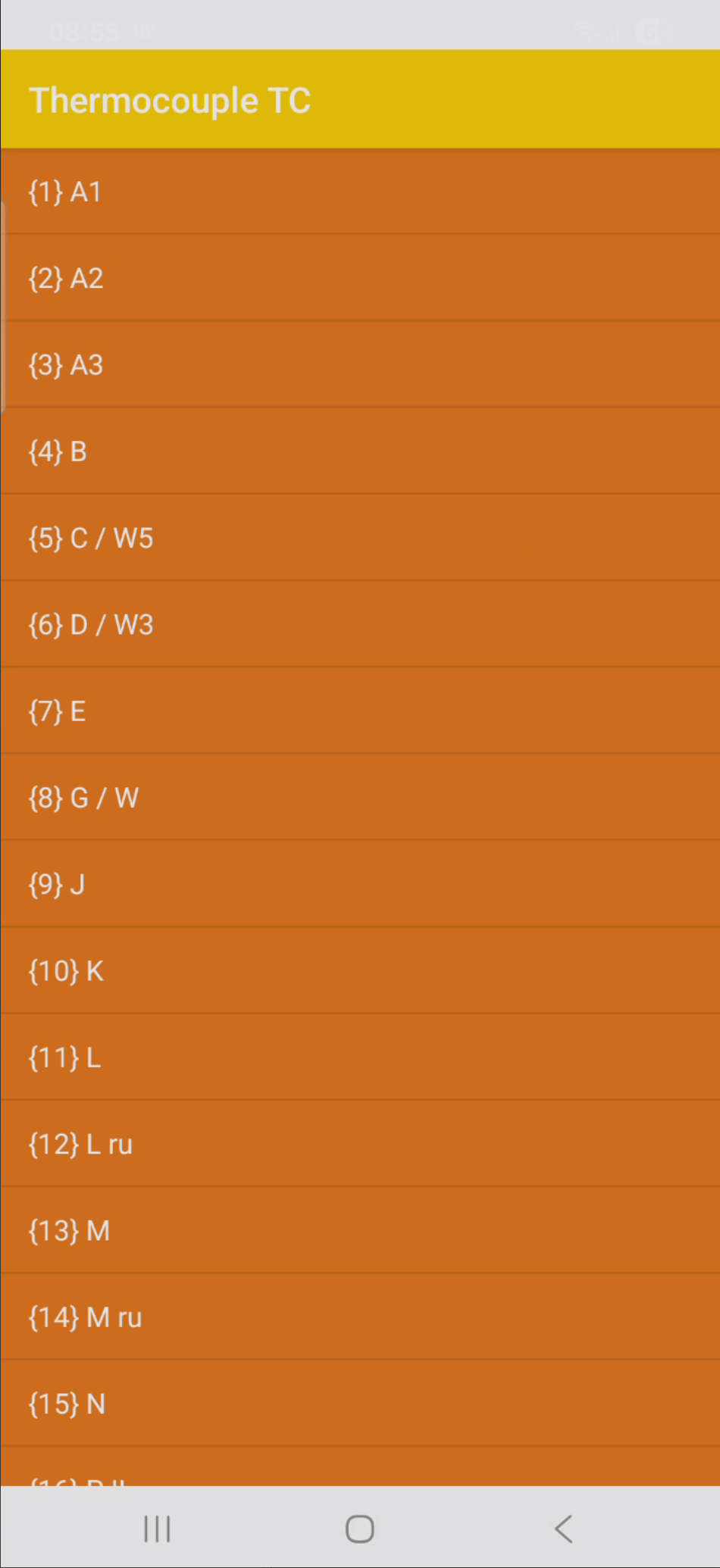
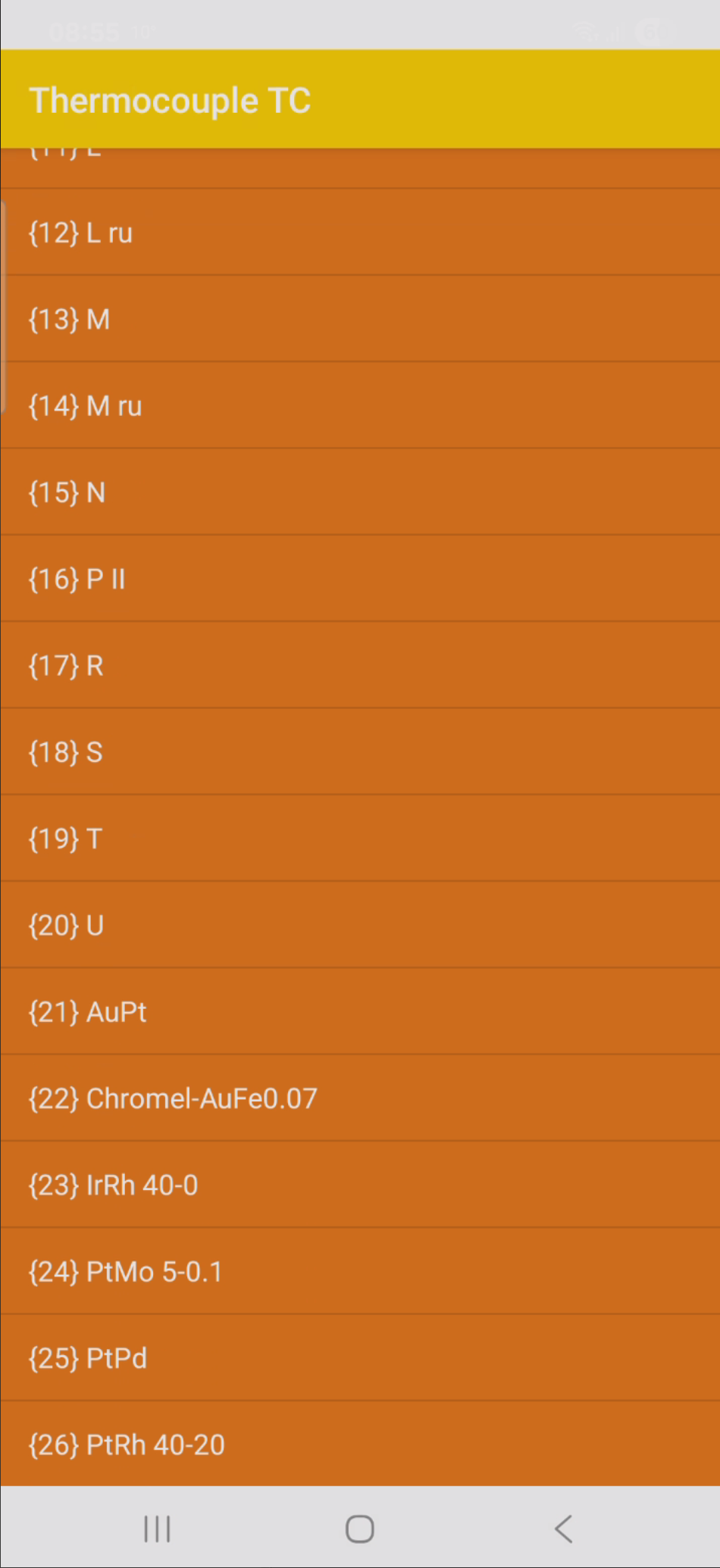
1.2.Types

If the temperature is below the minimum, it is displayed in blue.

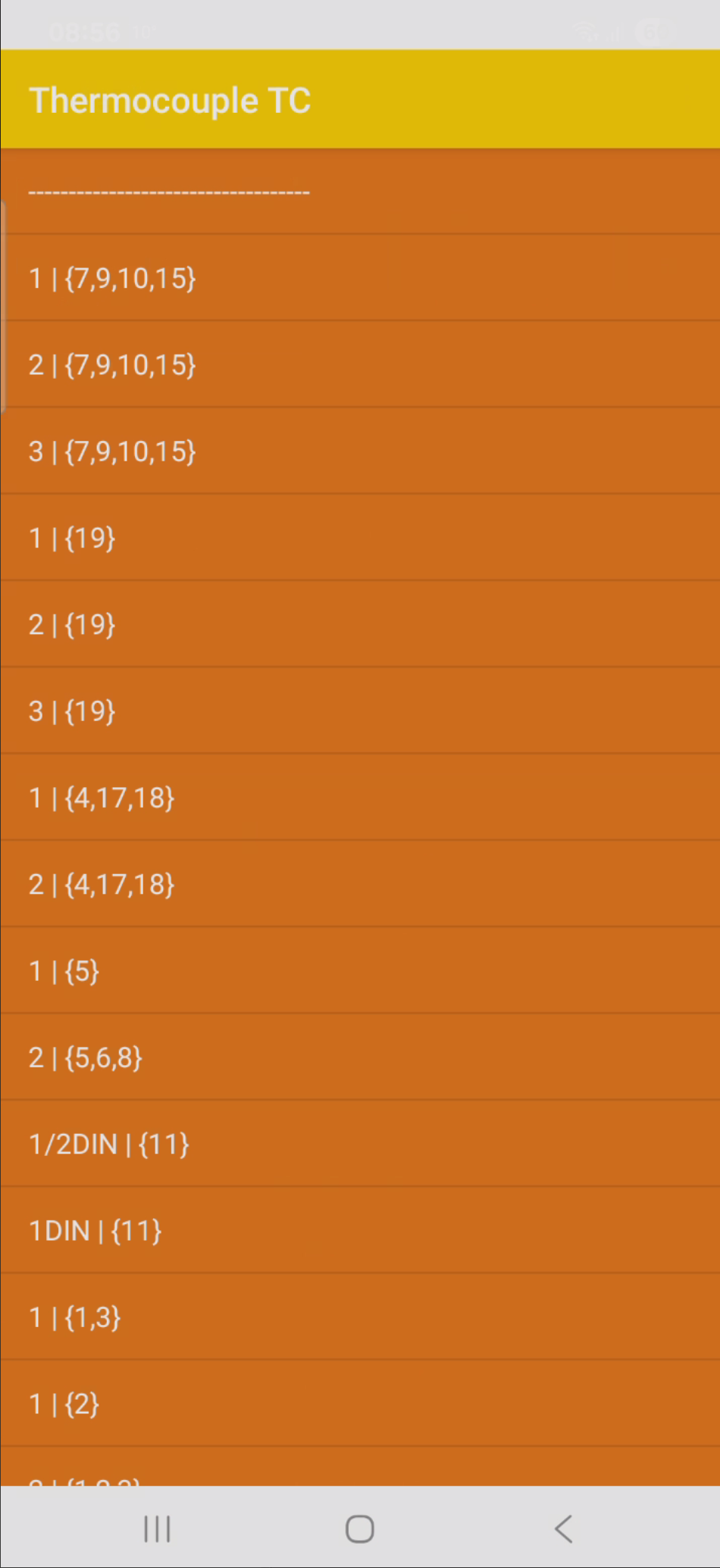
1.4.Classes

The values ​​in the field above and below the Temperature field are the sensor errors for the selected Class.

1.6.Unit

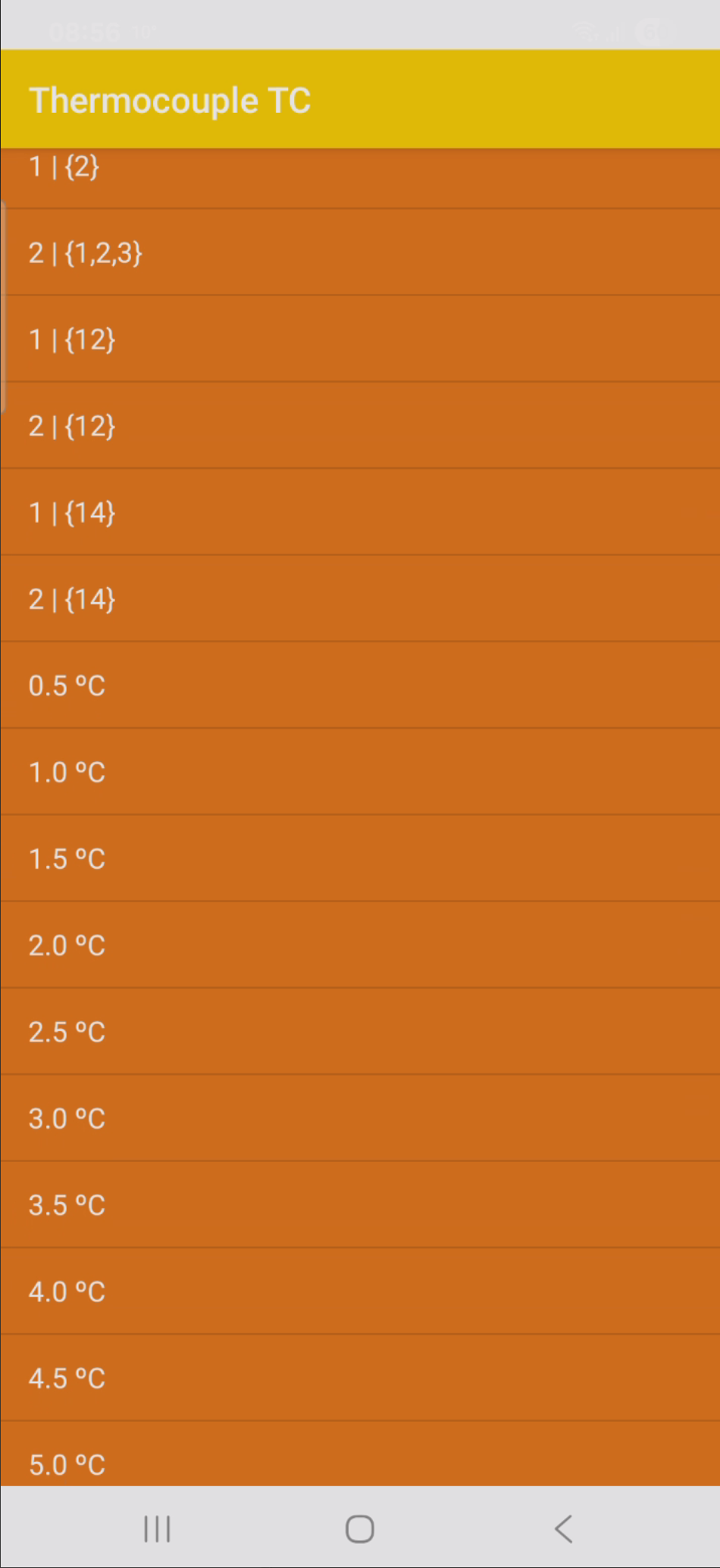
  • [ºC]
  • [ºF]
  • [K]
  • [ºR]

1.7.Precision

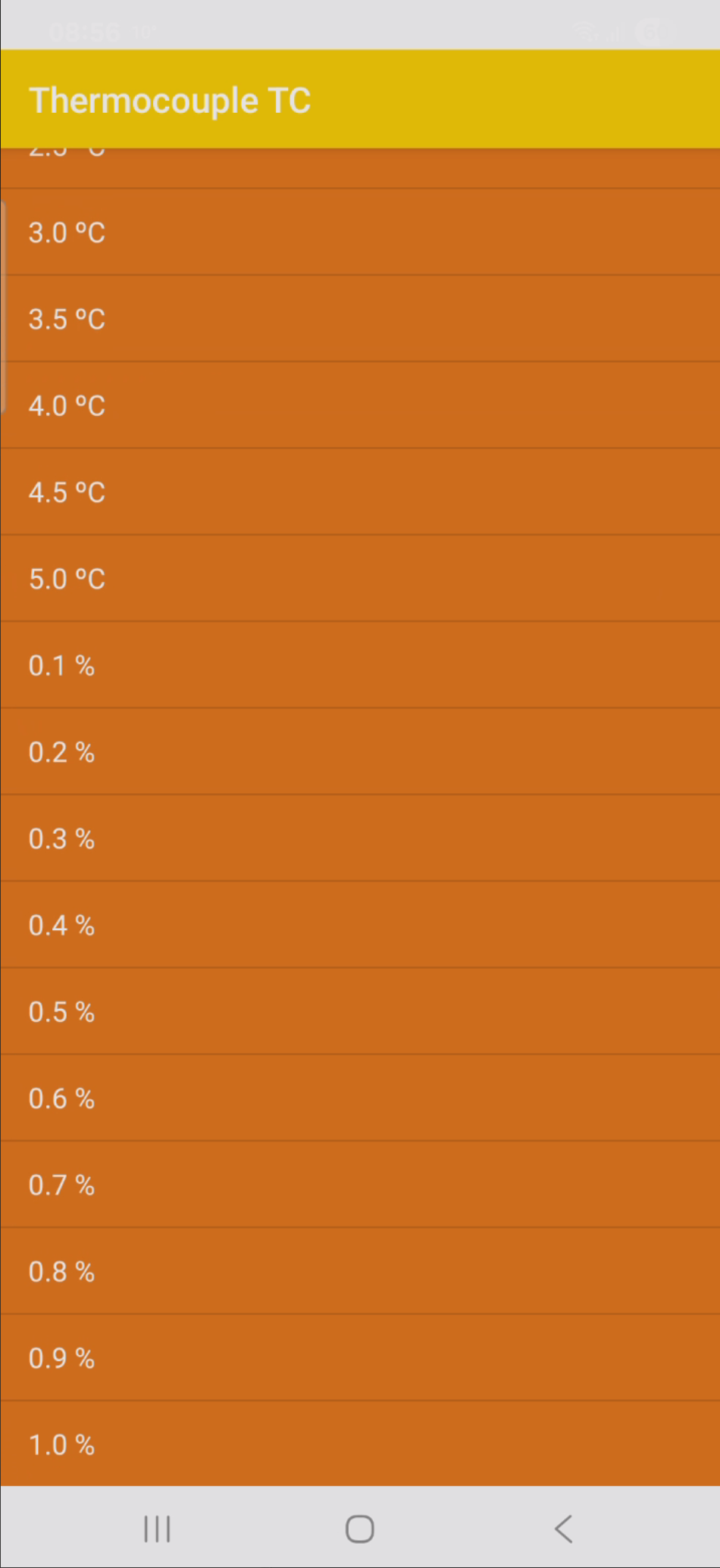
  • 0.001
  • 0.000 1
  • 0.000 01
  • 0.000 001
  • 0.000 000 1

1.8.1.Temperature too low

If the temperature is below the minimum, it is displayed in blue.

1.8.2.Temperature correct

The values ​​in the field above and below the Temperature field are the sensor errors for the selected Class.

1.8.3.Temperature too high

If the temperature is above the maximum, it is displayed in red.

1.8.4.Voltage too low

If the resistance is below the minimum, it is displayed in blue.

1.8.5.Voltage correct

if the resistance is above the maximum, it is displayed in red.

1.8.6.Voltage too high

if the resistance is above the maximum, it is displayed in red.

1.9.1.Table

if the resistance is above the maximum, it is displayed in red.

1.9.2.Table range exceeded

if the resistance is above the maximum, it is displayed in red.

1.10.Chart

The chart can be enlarged with 2 fingers. By clicking on a point on the chart, its coordinates will be displayed.

1.11.Range

The Range depends on the Standard

1.12.Close

Select YES if you want to close the application, NO if you want to stay in the application

Test our app

We encourage you to test free applications before purchasing.